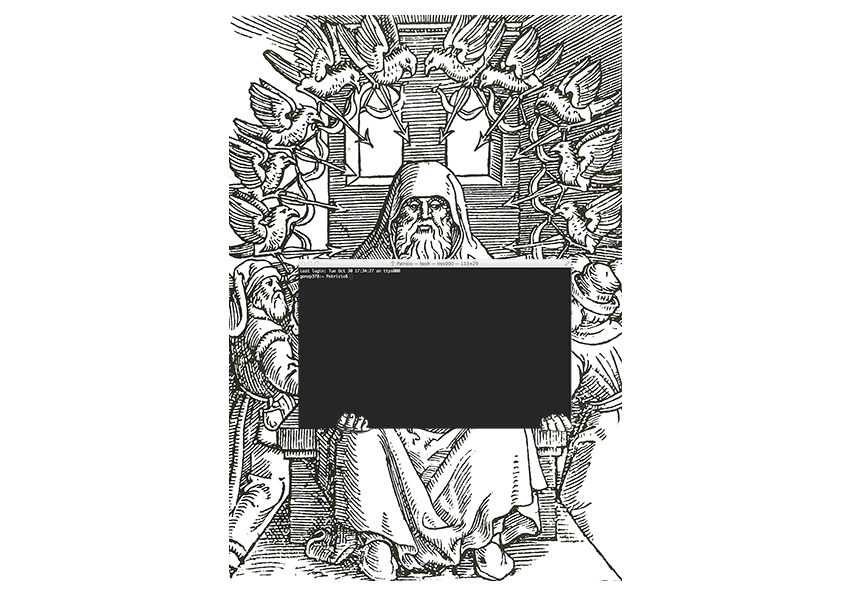
First we need to open "the gate" to this world of shadows.
CMD + SPACE_LINE
"Terminal" [ENTER]
You are seen to the hostname follow by the path where you are and after all that your name.
Last login: DD MMM XX HH:MM:SS on ttysXXX
HOSTNAME:PATH USER$
The $ sign tells you that it's waiting for commands.
Before starting this trip a couple of tools that are going to be handy.
Unix it's case sensitive. That's means it's not the same to write cd desktop than cd Desktop. So you probably want to type precise commands. For that you can use the embedded auto completion. How? With your TAB_KEY.
For example:
HOSTNAME:PATH USER$ cd De[TAB_KEY]
HOSTNAME:PATH USER$ cd Desktop
Not just that also it let you see the different options you have Do:
HOSTNAME:PATH USER$ cd [TAB_KEY][TAB_KEY]
.DS_Store       Library/        Movies/         Sites/      Applications/
.Trash/         Music/          Pictures/       Desktop/    Documents/
.MacOSX/        Public/         Downloads/
HOSTNAME:PATH USER$ cd
Voila! you get all the possible directories.
The same happened to the commands. Try start typing two words and it will show you all the commands that starts with that letters. Also if there are to many options it will ask you if you still want to see them.
Typing it's hard, specially when it's non-sense. So it's good to know how to go back on your steps to take a look of what you have done.
You can use the history program:
  HOSTNAME:PATH USER$ his[TAB_KEY]
  HOSTNAME:PATH USER$ history
Also you can go through your history using the UP_KEY**.
  HOSTNAME:PATH USER$ [UP_KEY]
  HOSTNAME:PATH USER$ history
If you are searching for a specific command you can find it by pressing CONTROL+R**
  HOSTNAME:PATH USER$ [COTROL_KEY]+r
  (reverse-i-search)`': history
Then you can type the beginning of the command and that's going to try to guess what command are you tracking.
If you want to repeat your last command just type !!. If you remember the exactly numbers of previous command you can do !-1.
Here you have some keyboard Shortcuts that will make you feel like a real dungeon master:
We will talk about process on the future but its good to know this from the beginning
Ctrl + C Kill whatever you are running
Ctrl + Z Puts whatever you are running into a suspended background process. fg restores it.
Ctrl + D Exit the current shell
Ctrl + L Clears the Screen, similar to the clear command
Ctrl + U Clears the line before the cursor position. If you are at the end of the line, clears the entire line.
Ctrl + A Go to the beginning of the line you are currently typing on
Ctrl + E Go to the end of the line you are currently typing on
Ctrl + W Delete the word before the cursor
Ctrl + K Clear the line after the cursor
Ctrl + R Let’s you search through previously used commands
TAB Auto-complete files and folder names
Cmd + N New Terminal Windows
Cmd + RIGHT and Cmd + LEFT Jump between windows
Cmd + [NUMBER] go directly to the terminal windows [NUMBER]
Cmd + shift + w close Terminal windows
Cmd + t New Tab Terminal
Cmd + Shift + right and Cmd + Shift + left Jump between windows
Cmd + w Close Tab
Cmd + up line up
Cmd + down line down
Unix systems are designed for engineers as all they do the makes manuals for it. Unix have a embedded manual. Just type man followed by the name of the program and you will get the manual for it. Use key for navigate throughout it and after that press q to quit.
Here are some commands that will give you always good and handy information:
man Displays manual pages
info Displays command information pages
pwd Shows the current directory the user is in.
df Display free disk space
du Display disk usage statistics
file FILENAME Identifies the file type (binary, text, etc).
find FILENAME DIRECTORY Finds a file/directory. More reference: here
which FILENAME Shows the location of a file if it is in your PATH.
whereis FILENAME Shows the location of a file.
apropos Locate commands by keyword lookup
whatis Search the whatis database for complete words.
tty Print current terminal name
stty Set terminal options
printenv Display value of a shell variable
time Time a simple command or give resource usage
uptime System Load Average
cal Displays a calendar and the date of easter